Cara Download Genshin Impact di PC/ PS4/PS5/Ponsel
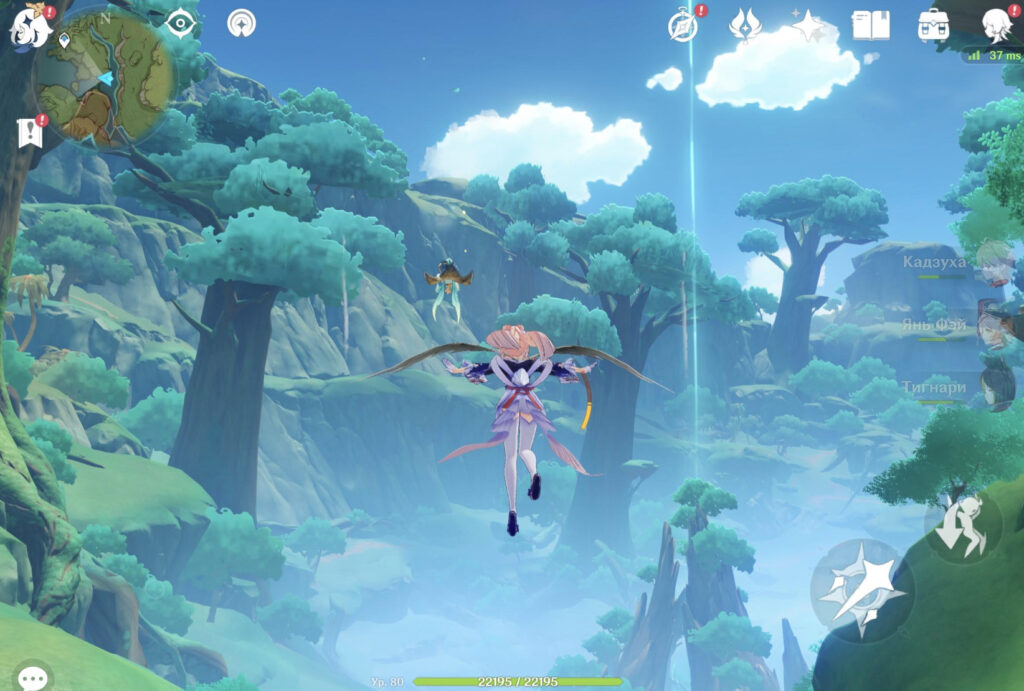
Genshin Impact is one of the most popular video game titles today. One of the game’s advantages is its cross-platform support, allowing smartphone players to play with others on computers or consoles. Downloading Genshin Impact is also very easy and only takes a few clicks.
Minimum PC/Laptop System Requirements
To run it on a computer or laptop, the following minimum system requirements must be met:
OS: Windows 7 SP1 64-bit, Windows 8.1 64-bit, or Windows 10 64-bit
Processor: Intel Core i5
8 GB RAM
Graphics card: NVIDIAÆ GeForceÆ GT 1030 or higher
DirectX version: 11
At least 30 GB of free storage space
How to Download Genshin Impact on PC
Follow these steps:
- Visit the official miHoYo download page for Genshin Impact at https://genshin.hoyoverse.com/id/
- Then click the “Download PC Version” button to download the installer in .exe format. Continue by downloading and installing the game.
How to Download Genshin Impact on PS4 or PS5
To download and install Genshin Impact on a PS4 or PS5, follow these steps:
Open the PSN Store on your console, then search for ‘Genshin Impact’.
Click the ‘Download’ button on that page.
On a computer, users can also visit the Genshin Impact PlayStation Store page in a browser and add it to their library to make downloading it later easier.
How to Download Genshin Impact on an Android Smartphone
Players who want to run it on an Android phone should follow these steps:
On your Android smartphone, access Genshin Impact through the Play Store website or rajaapk.com.
Tap the ‘Download’ button to begin the download process.
Install Genshin Impact directly on your Android phone.
If this is your first time downloading an app from APKPure, you need to adjust a few settings. Open the Settings menu, then select Security. From there, enable the “Unknown Sources” option.
How to Download Genshin Impact on an iPhone or iPad
On your iPhone or iPad, open the Apple App Store and search for Genshin Impact.
Next, tap the ‘Get’ button to begin downloading.
Install Genshin Impact directly on your Android phone.